
Video Tutorial
To access the various help "Articles" which are available follow these steps.
1. Click on the "chat box" icon located in the lower right corner.
2. Select the "? Help" button.
3. You have the option to "Search Articles" and browse for specific articles.
Please note that you can browse for specific "Articles" within the "Browse Categories" within this "? Help" area.
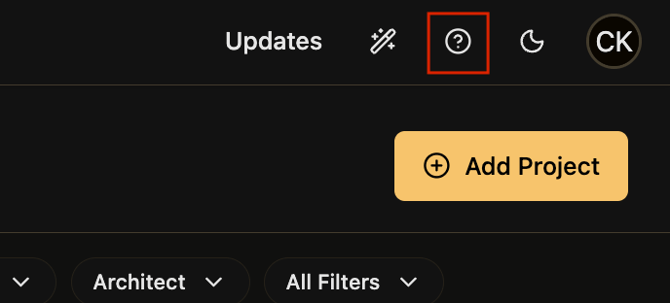
Alternatively, you can access the help center articles by clicking on the "?" icon located on the upper right corner.
Screenshot Of Alternative Method
Published 9/23/2025.