
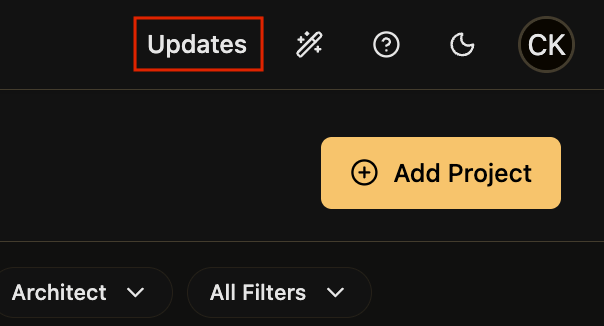
The "Updates" section can be accessed by clicking the "Updates" option located at the horizontal top menu options, near the upper right corner.
This page lists all updates in chronological order. Most recent updates are at the top, oldest at the bottom. Each update has its own title and description.
Screenshot
Published 9/15/2025.